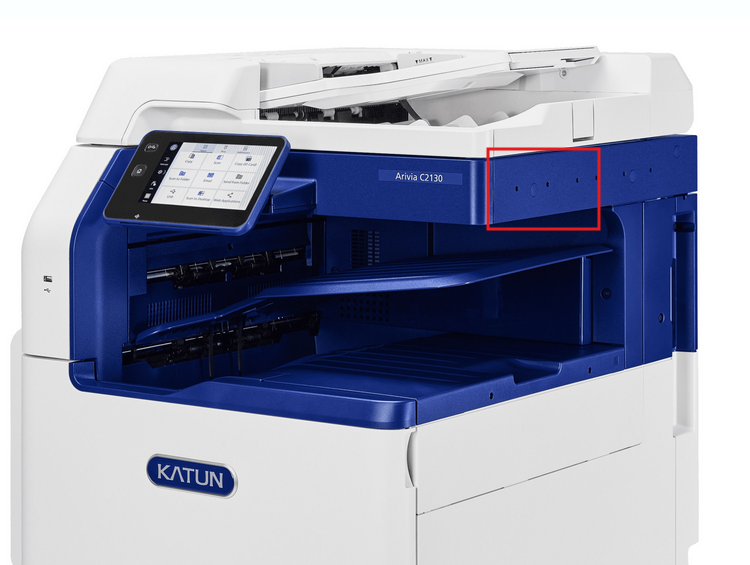
How to mount a Spider Desktop MFP onto a Katun Arivia C2125
Overview:
According to Katun the reader can be plugged to the front, as well to the rear USB-A connector.
Our suggestion would be to install the reader on the right side, with the mounting bracket and use the rear USB-A connector.
inepro products:
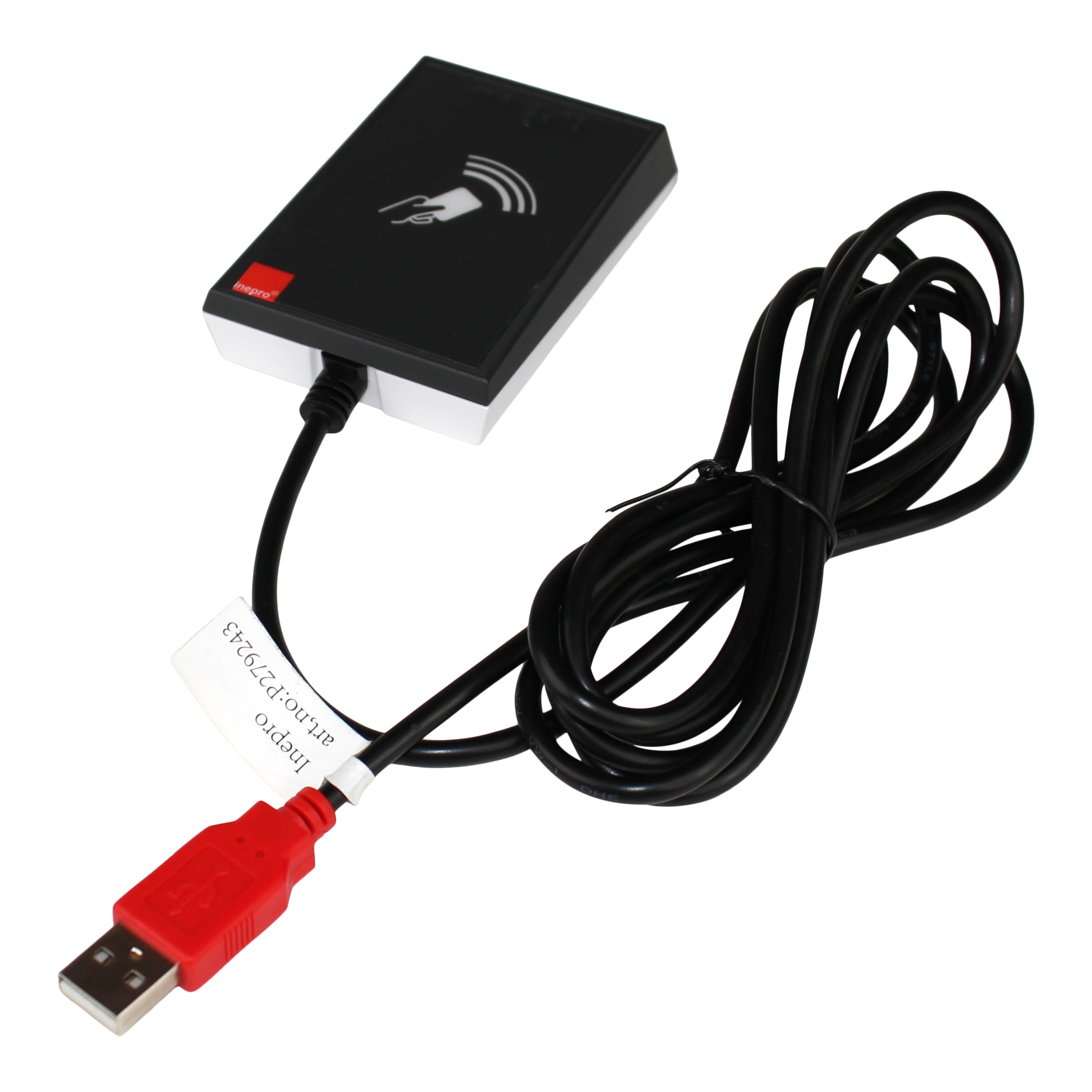
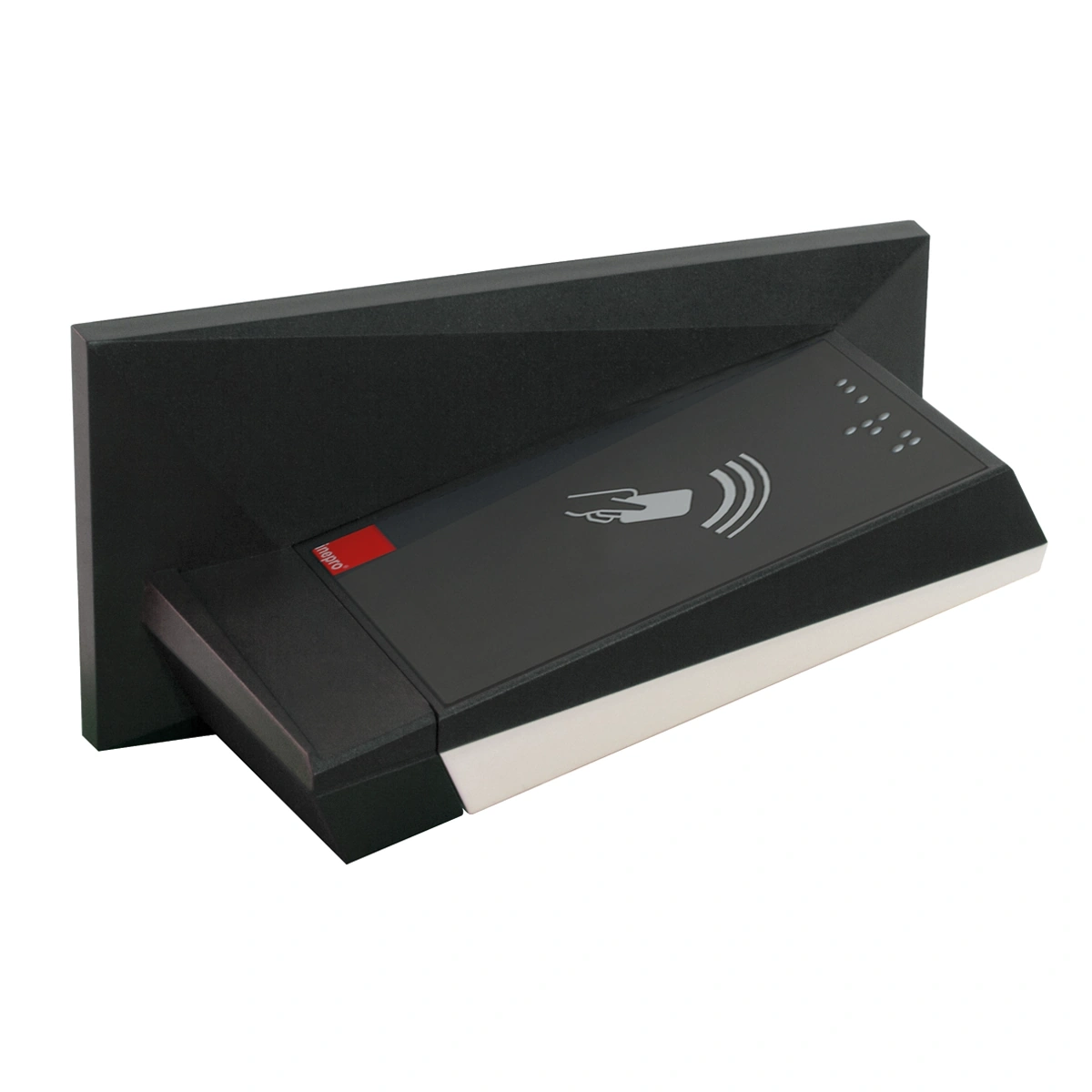
| Spider Desktop MFP Complete (with 180 cm/ 70.86 inch cable) | inepro RFID Reader MFP Bracket |
 |  |
Was this article helpful?
That’s Great!
Thank you for your feedback
Sorry! We couldn't be helpful
Thank you for your feedback
Feedback sent
We appreciate your effort and will try to fix the article